#1 AI Motion Graphics Editor for Explainer Videos
Turn Talking-Head Explainers
Into Motion Videos
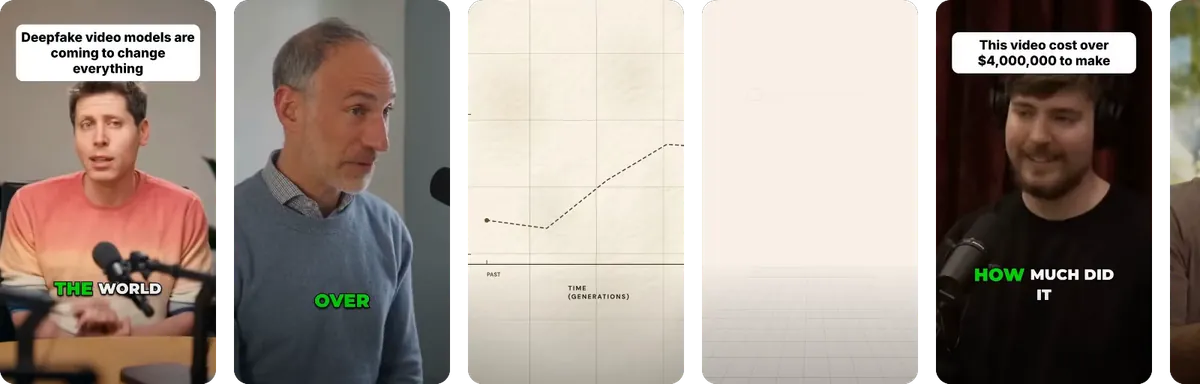
Check out demos here
Real talking-head clips, transformed. Every render carries one accent hue, derived from the footage itself.
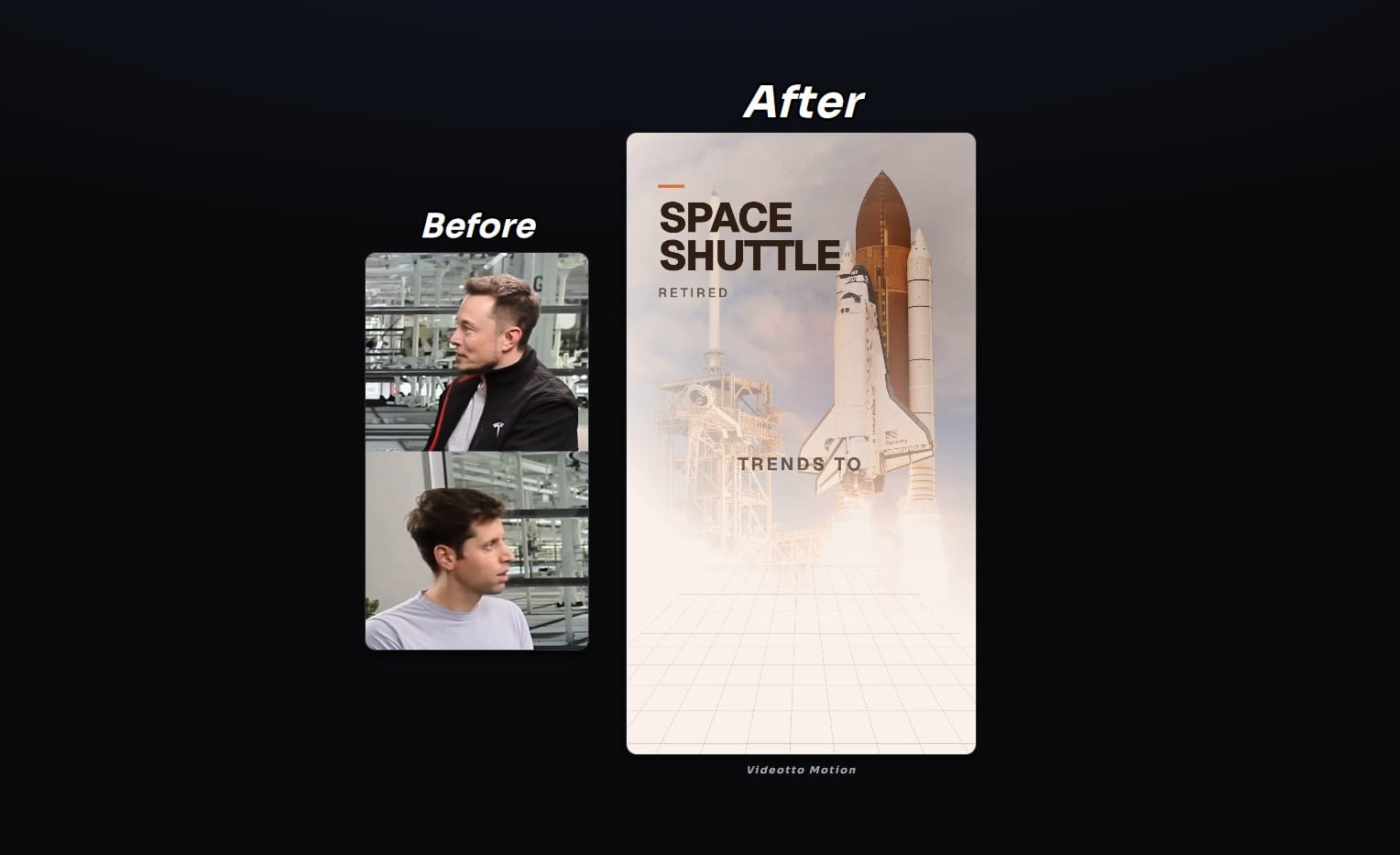
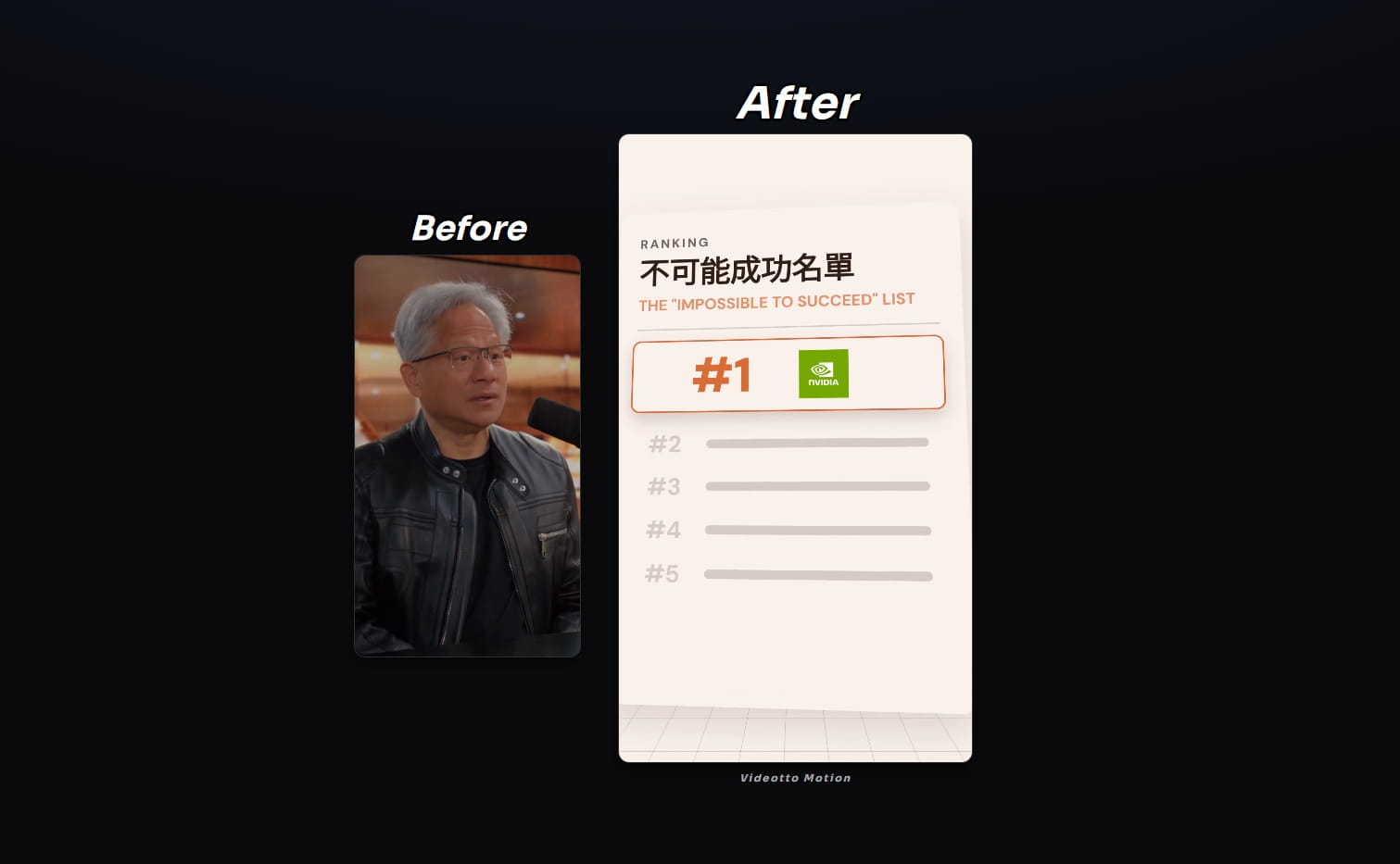
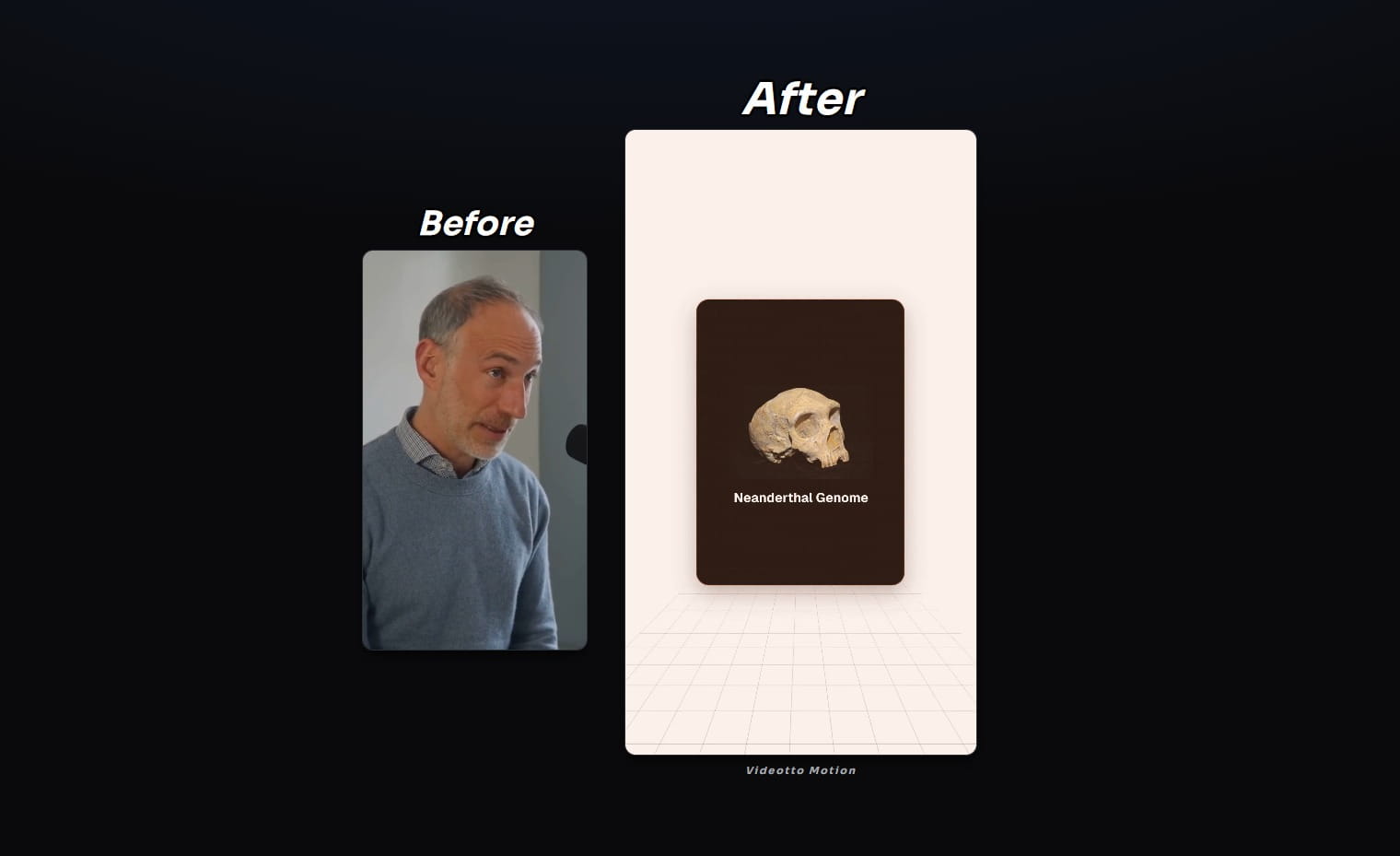
Trusted by 200k Personal Brands and Creators






Scenes the AI can stage
Charts, maps, diagrams, and captions, drawn live for the moment they land. Not stock, not templates.
Motion Editor


The AI reads your words and directs the motion graphics.
Every phrase becomes a motion graphic.
Revenue grew 4× in eighteen months, faster than any cohort before it.
Frequently Asked Questions
Clear answers about turning talking-head clips into motion videos.
An AI motion graphics editor analyses the words and pacing of a talking-head video and automatically designs matching motion graphics, animated diagrams, charts, big-number reveals, and kinetic typography, then renders the finished motion graphics video in the cloud. Videotto Motion does this the moment you upload, with no timeline, keyframes, or design software required.
Upload a talking-head clip, interview, or explainer, and the AI reads the transcript to decide where a chart, callout, or animated diagram belongs, then designs and places the motion graphics automatically. You can refine any graphic afterwards in the editor before exporting.
No. Motion graphics normally require After Effects or a trained motion designer. With an AI motion graphics editor, you upload a clip and the AI directs and designs every graphic for you, so anyone can publish a professional motion graphics video without touching a design tool.
Explainers, interviews, podcasts, product walkthroughs, and educational talking-head clips up to 3 minutes work best. Clear, conversational speech gives the AI the most to work with when deciding which motion graphics to generate.
Export in 9:16 for Reels, Shorts, and TikTok, 16:9 for YouTube, and 1:1 for feed posts, each rendered and ready to publish.
Yes. On-screen text, charts, and callouts can be generated in your audience’s language, so the same motion graphics video works across markets.
Turn your next explainer into a motion video
Upload a talking-head clip and let the AI design the motion graphics for you.